We may earn a commission when you buy through links on this page, at no extra cost to you. As an Amazon Associate we earn from qualifying purchases. Learn more.
Choosing between a rental pocket WiFi and a local SIM card is one of the few genuinely confusing decisions left in planning a Japan trip. Flights, rail passes, and hotels all have obvious comparison points. Connectivity doesn’t, because the marketing for both options promises “nationwide coverage” while actual traveler reports tell a messier story involving mountain tunnels, rural prefectures, and phones that quietly stop working around 11 p.m. when you need to book a hostel bed. This guide breaks down the real trade-offs using published specs and pricing, not vibes.
The picks at a glance
- Our pick: Ninja WiFi Pocket WiFi Rental: best for groups of two or more who want one device to share and don’t want to touch phone settings. Check price ›
- Budget pick: Sakura Mobile SIM Card: best for solo travelers on a tight budget travel itinerary who are comfortable installing a physical SIM. Check price ›
- Upgrade pick: Ubigi eSIM Japan: best for anyone with a newer phone who wants to activate data before landing and avoid airport counters entirely. Check price ›
How the two options actually differ
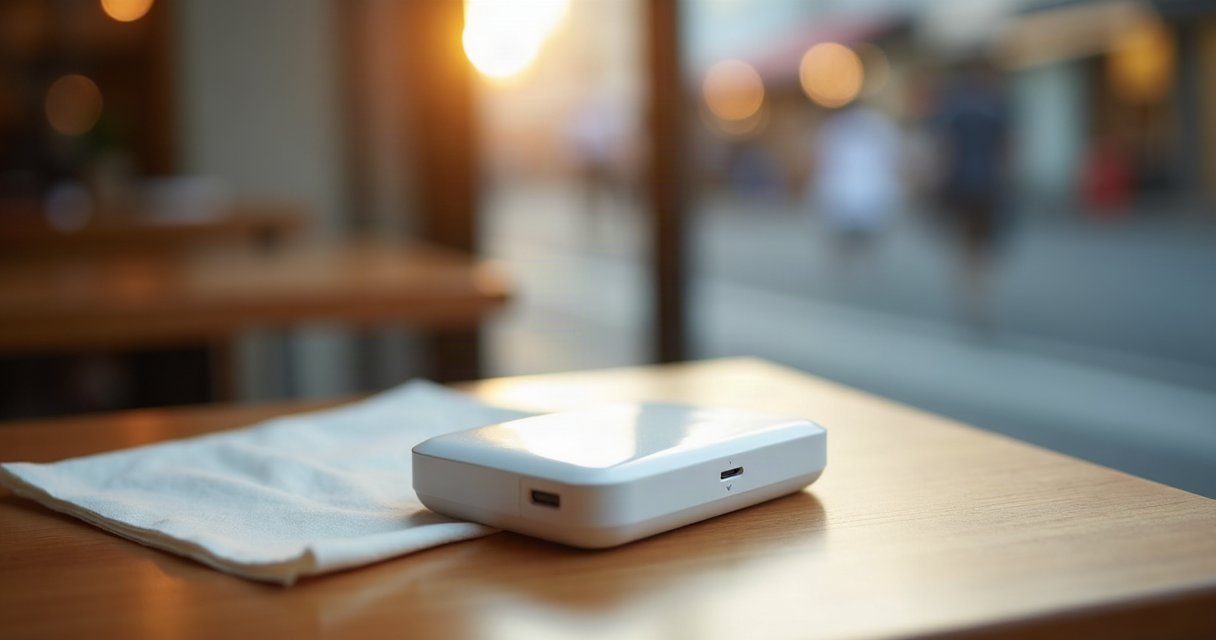
A pocket WiFi is a small battery-powered router, typically around 100 to 120 grams, that creates its own WiFi network. You pick it up (often at Narita or Haneda) or have it mailed to your hotel, and up to 5 devices can connect to it at once. A SIM card, physical or digital (eSIM), goes directly into your phone and gives that single device its own data connection, no separate battery to charge, no router to carry.
For solo travelers chasing cheap travel destinations across Japan on a single phone, a SIM often wins on simplicity. For couples or families, a shared pocket WiFi usually costs less per person and avoids buying multiple SIMs.
Cost by trip length
Pricing for both categories is usually quoted as a flat daily rate, and that rate drops the longer you rent, which matters if you’re comparing budget travel tips against a fixed itinerary length.
| Option | 7-day trip (typical range) | 14-day trip (typical range) | Data cap | Shared across devices |
|---|---|---|---|---|
| Ninja WiFi Pocket WiFi Rental | $35 to $50 | $60 to $85 | Often unlimited or soft-capped at 3 to 10GB/day | Yes, up to 5 devices |
| Sakura Mobile SIM Card | $25 to $40 | $45 to $70 | Varies by plan; commonly advertised as unlimited on some plans, with 5 to 20GB fixed allowances on others | No, single device |
| Ubigi eSIM Japan | $20 to $35 | $35 to $60 | Tiered data packs, commonly 3GB to 20GB | No, single device |
| Airport SIM vending (various brands) | $20 to $35 | Not usually sold in 14-day packs | Fixed, often 3 to 15GB total | No, single device |
These are typical advertised ranges pulled from current retailer pricing pages, not fixed figures, since promotions and yen exchange rates shift them by a few dollars in either direction. Still, the pattern holds across nearly every provider: pocket WiFi rental costs more in absolute dollars but less per traveler once you’re splitting it two or three ways. A solo traveler doing basic budget travel almost always comes out ahead with a SIM or eSIM.
Speed: who actually wins
Pocket WiFi devices typically run on 4G LTE, with advertised download speeds in the 50 to 150 Mbps range under good signal. Newer SIM and eSIM plans increasingly run on the same carrier networks (SoftBank, Docomo, or au) that pocket WiFi devices lease bandwidth from, so raw speed differences between the two are usually small in cities. The practical speed gap shows up in shared-device situations: a pocket WiFi split across 4 phones streaming maps and translation apps simultaneously will feel slower than a dedicated SIM in a single phone, simply from bandwidth division, not because the underlying network is worse.
Where coverage actually breaks down
This is the part rental brochures gloss over. Japan’s carrier coverage is excellent in cities and reportedly weaker in specific, predictable places, based on traveler forums and owner feedback rather than any formal signal audit.
Subways and underground stations. Coverage inside underground platforms varies by city and line. Travelers commonly report solid signal in central Tokyo, but patchier reception on some Osaka and Kyoto subway segments, particularly deeper platforms and older tunnel sections. This is anecdotal and inconsistent rather than a documented infrastructure fact, so treat any specific line as unpredictable until you’re there. Note that this affects SIM and pocket WiFi equally since both ride the same underlying cell towers.
Rural and mountain prefectures. Areas like Yakushima, parts of Shiretoko National Park, and mountain sections of Nikko and Shikoku are commonly reported by hikers and long-distance travelers as having stretches with no signal at all, sometimes lasting what forum posters describe as roughly 20 to 40 minutes on remote trail or rail segments. If your itinerary includes any of these areas, budget travel tips worth following include downloading offline maps in advance regardless of which connectivity option you choose.
Shinkansen tunnels. Long tunnel sections on the Shinkansen (particularly through mountainous stretches between Tokyo and Osaka, and further into Kyushu) can cause brief connection drops on both pocket WiFi and SIM setups. Neither option is meaningfully better here since both depend on the same trackside cell infrastructure.
Convenience store WiFi as a backup. Chains like 7-Eleven and Lawson have historically offered free public WiFi at some locations, and travelers sometimes use it as a fallback, though availability varies by store and has reportedly been scaled back at some chains in recent years, so treat it as a last-resort backup rather than a guaranteed option. It’s not a substitute for a full-time connection but worth knowing about for emergencies.
The 11 p.m. hostel-booking test
Here’s the scenario that actually separates these options in practice: you’re standing outside a station at 11 p.m., no reservation, trying to book a bed on a hostel app before it fills up or before check-in windows close.
A pocket WiFi fails first in one specific way: if the battery wasn’t charged that day (most units claim 8 to 12 hours of battery life, but that assumes moderate use, not a full day of maps and video calls), it’s simply dead, and there’s no backup unless you’re carrying a power bank. A SIM or eSIM fails differently: it doesn’t run out of battery since it draws from the phone itself, but if you’ve hit your data cap for the day (common on capped plans around 1 to 3GB/day) some carriers throttle speeds down to a crawl, sometimes below 1 Mbps, which is often too slow to load a booking app’s map view.
In other words: pocket WiFi’s failure point is physical (battery, forgotten device, left charging at the last hotel), while SIM’s failure point is contractual (data cap, throttling). If your travel style involves late arrivals and last-minute bookings, a SIM with an unlimited or high-cap plan, or a pocket WiFi paired with a spare power bank, both address the same risk from different angles.
Setup friction: what beginners underestimate
Pocket WiFi requires almost no technical setup: turn it on, connect your phone to its WiFi network like any other hotspot, done. This is a large part of why it remains popular for first-time visitors and larger groups.
Physical SIM cards require removing your existing SIM (bring the ejector pin or a paperclip), inserting the new one, and manually adjusting APN settings on some phones, a process that trips up a meaningful number of first-timers according to widely shared customer reviews on rental sites. eSIMs remove the physical swap entirely: you scan a QR code and activate it, often before you’ve even left home, but only work on phones from roughly the last 4 to 5 years (iPhone XS or newer, most Pixel and Samsung Galaxy S-series and newer).
Battery and carrying considerations
Pocket WiFi devices add one more thing to charge and carry, and most travelers report needing a portable charger by day 2 or 3 of heavy use. SIM and eSIM options draw on your phone’s existing battery, which sounds better until you remember that constant data use is one of the fastest ways to drain a phone battery on a long sightseeing day. Neither option escapes the charging problem, they just relocate it.
The verdict
For solo travelers prioritizing cheap travel destinations and simple logistics, an eSIM or physical SIM wins on cost per person and eliminates a device to lose or forget. For groups, families, or anyone traveling with a phone too old to support eSIM, a shared pocket WiFi keeps everyone connected off one bill and one battery to manage, as long as you also carry a power bank.
Our pick: For most travelers, Ninja WiFi Pocket WiFi Rental offers the best all-around balance of shared cost, wide device compatibility, and no-setup convenience, provided you pair it with a portable charger for late nights.
If you’re traveling solo with an eSIM-compatible phone, Ubigi eSIM Japan is worth comparing directly against this pick for lower per-person cost and zero pickup logistics.
This recommendation is based on published pricing and specs from provider websites alongside widely reported owner feedback, not first-hand testing, so confirm current rates and data caps before booking, since promotional pricing shifts throughout the year.